Examples of Read the Docs hosted documentation

Deploy with any tool

Read the Docs supports any documentation tool by allowing full control of the build commands your project runs. Enjoy powerful features such as search-as-you-type, previews from Git, and much more.

Create an account Learn more

Collaborate with deploy previews

Receive feedback from your team, and have confidence in changes before they go live.

Always find what you need

Search across all your projects with our search-as-you-type interface, and never lose documentation again.

Full customization of build commands

Customize the build commands to suit your project’s needs. Flexibility to support any tool.

Try it out

Upgrade your documentation with Read the Docs

.readthedocs.yaml
# Example for a Node-based doc tool (e.g. Docusaurus).
# Replace the install/build commands with whatever your tool uses
# (mkdocs build, sphinx-build, jupyter-book build, etc).
version: 2

build:
  os: ubuntu-24.04
  tools:
    nodejs: "20"

  commands:
    # Install dependencies and build the site
    - cd docs/ && npm install
    - cd docs/ && npm run build
    # Copy output to Read the Docs
    - mkdir -p $READTHEDOCS_OUTPUT/html/
    - cp -r docs/build/* $READTHEDOCS_OUTPUT/html/
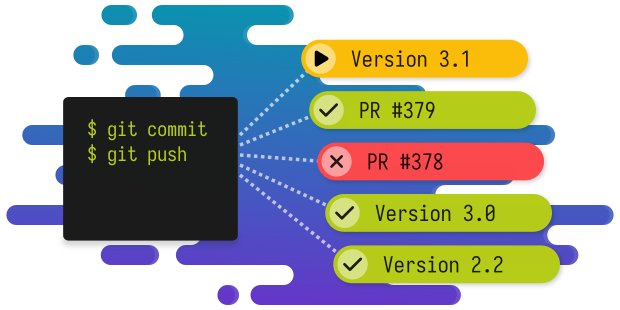
Create an account Sign up with GitHub or your email. Import your project Select your existing Git repositories with a 1-click interface. Add YAML config Start with this example, and then adapt it. Your docs build on every commit Like magic.

Get started with any documentation tool today.

Create an account